GitToolBox
Documentation for GitToolBox plugin for Jetbrains family of IDEs.

Documentation for GitToolBox plugin for Jetbrains family of IDEs.
Git status shows the following information:
Information is displayed in these locations:
Project View - ahead / behind, branch name, tags on HEAD
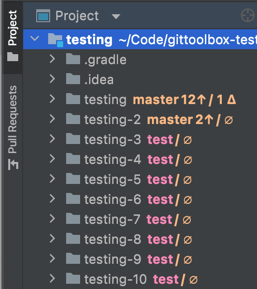
status bar - ahead / behind

Shows committed changes:
Information is displayed in following locations:
Icons mapping to states:
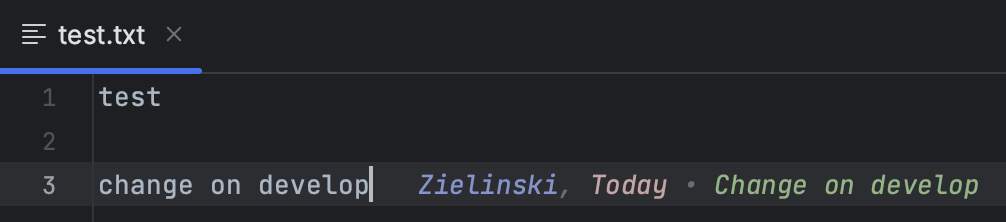
Shows the following information for the current line in editor:
Line blame can be displayed as:
Runs git fetch at fixed intervals.
Under GitToolBox Project settings open the Auto Fetch tab and add your repository with the plus sign.
Afterwards select the repository in the list and add the remote you want to exclude with the plus sign again.
Shows notification when behind count of current branch changes and is non-zero.
Provides the following types of completion when editing commit message:
Pattern based completion uses regular expression capture groups. Output consists of concatenation of input captured by each group.
For example, regular expression (\w+-\d+).* matched against input JIRA-123_some_task will provide completion item JIRA-123
Provides gitmoji completion when editing commit message. It is disabled by default. In addition to completing by name it also takes into account descriptions of the gitmoji. Completion inserts either Markdown or Unicode, depending on configuration.
Before commit checks can verify whether a commit message:
Checks status
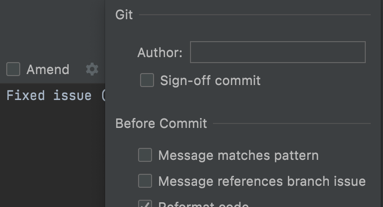
Validation configuration
Keeps track of 5 most recently used local branches for a repository and providers Switch Recent Git Branches action to show popup
that allows fast switching. Popup entries ordering is from least recently used.
Detects merged and non-merged but stale branches. Cleanup can be triggered manually from Git / GitToolBox / Git Branches Cleanup
or automatically. Base branches and exclusions are configured using glob patterns in Settings / GitToolBox / Branches
List tags on current branch and select which ones should be pushed. They can be also force-pushed.
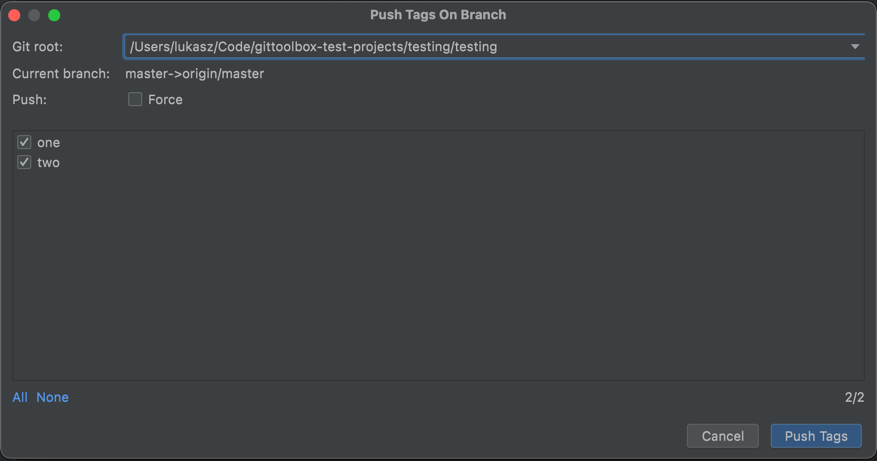
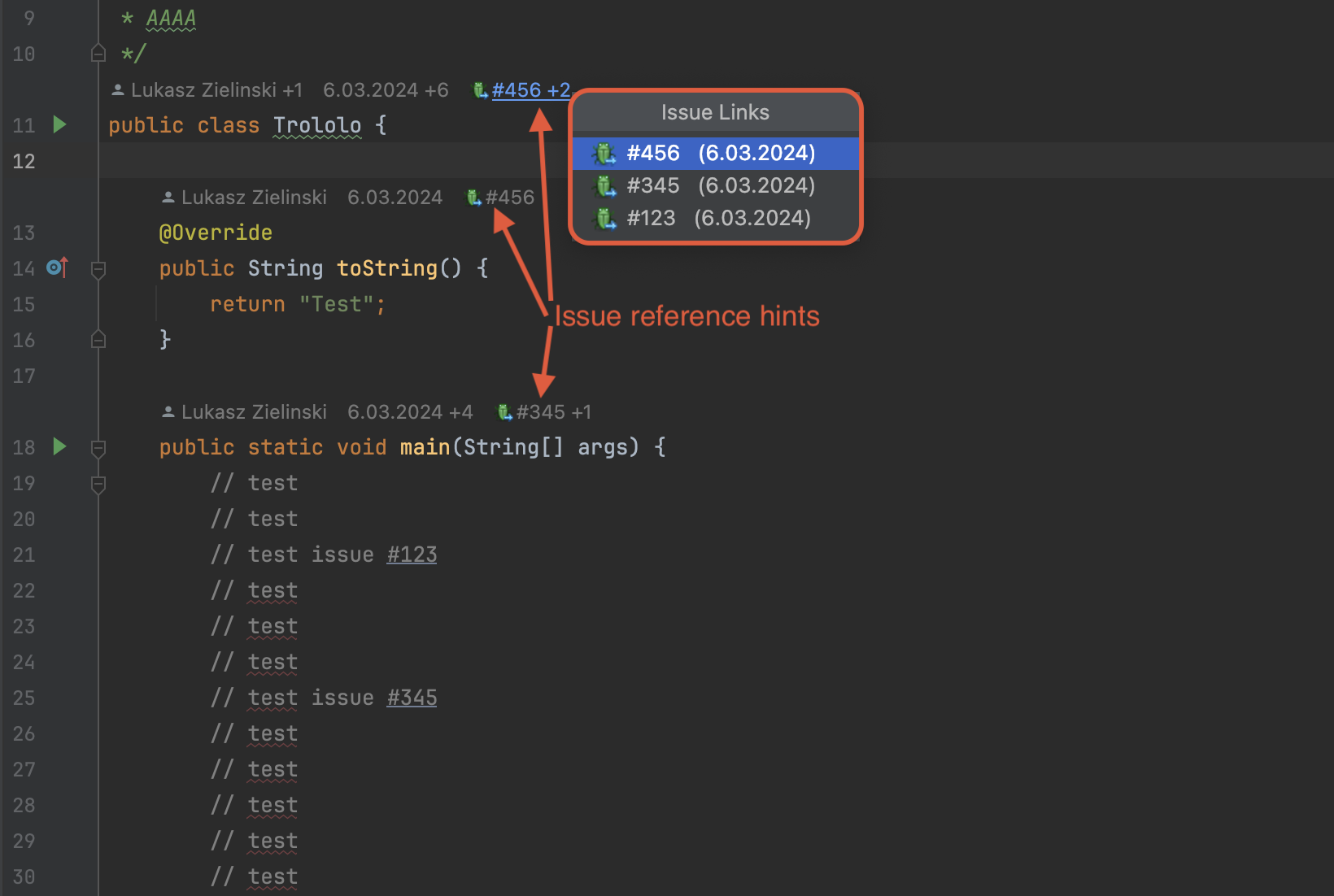
Plugin integrates with IDE Version Control / Issue Navigation. The moment it is configured following feature becomes active:
clickable issue links inside blame details
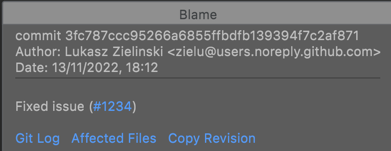
highlighted issue number in line blame

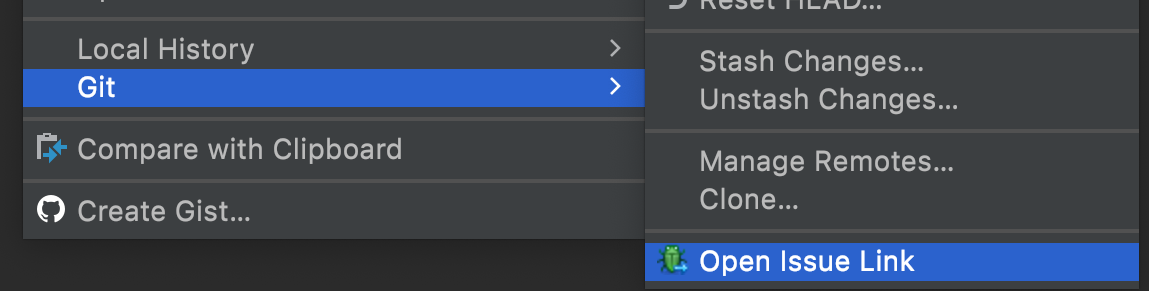
action to open issue that current line / branch refers to <context menu> / Git / Open Issue Link

code vision issue reference hint (paid)
issue reference commit message validation
issue key commit message completion
Git Extender Update All can be selected as update action executed from behind tracker popup.
This is a paid feature.
Following repositories are supported:
You can open or copy browser link to:
Actions are available from:
This is a paid feature.
When branch is pushed for the first time a notification is shown with action to create pull request using that branch.
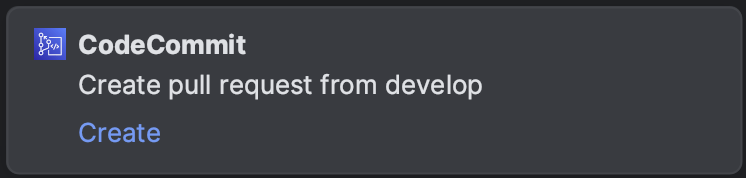
This is a paid feature.
When project is closed check is done to determine if there are any not committed changes or any not pushed commits.
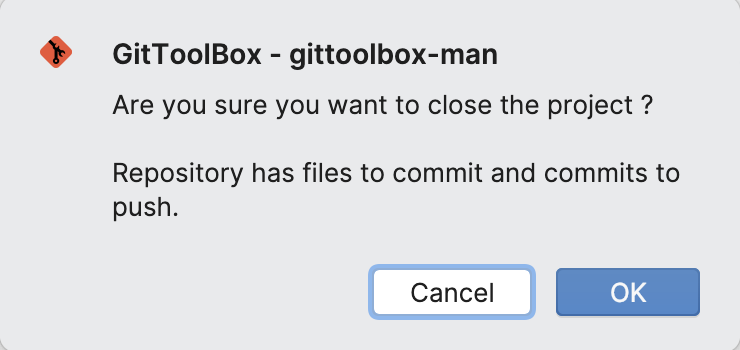
Checks are controlled by following options in Settings... > Version Control > GitToolBox
To install manually from distribution artifact downloaded from https://plugins.jetbrains.com you must
select entire zip archive in Install Plugin from Disk... dialog.
If you select only main jar file you will get NoClassDefFoundErrors when running IDE.
This is used by paid features:
There are two levels of configuration. On application level you can configure how the repository type is detected based on fetch URI. Glob patterns always take precedence over auto-detect.
This is used by paid features in:
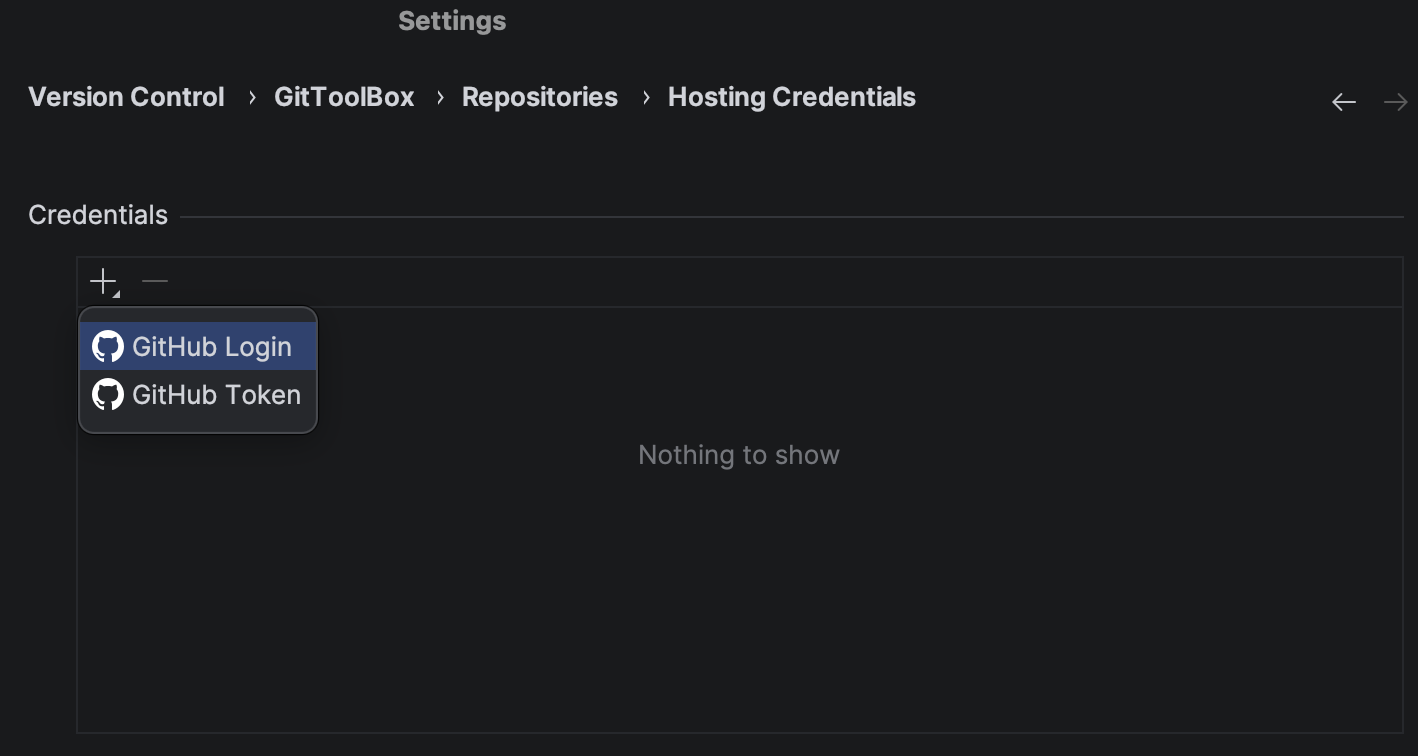
There are two levels of configuration. On the application level you can configure hosting credentials.
On the project level you can check which credentials where matched to given repository.
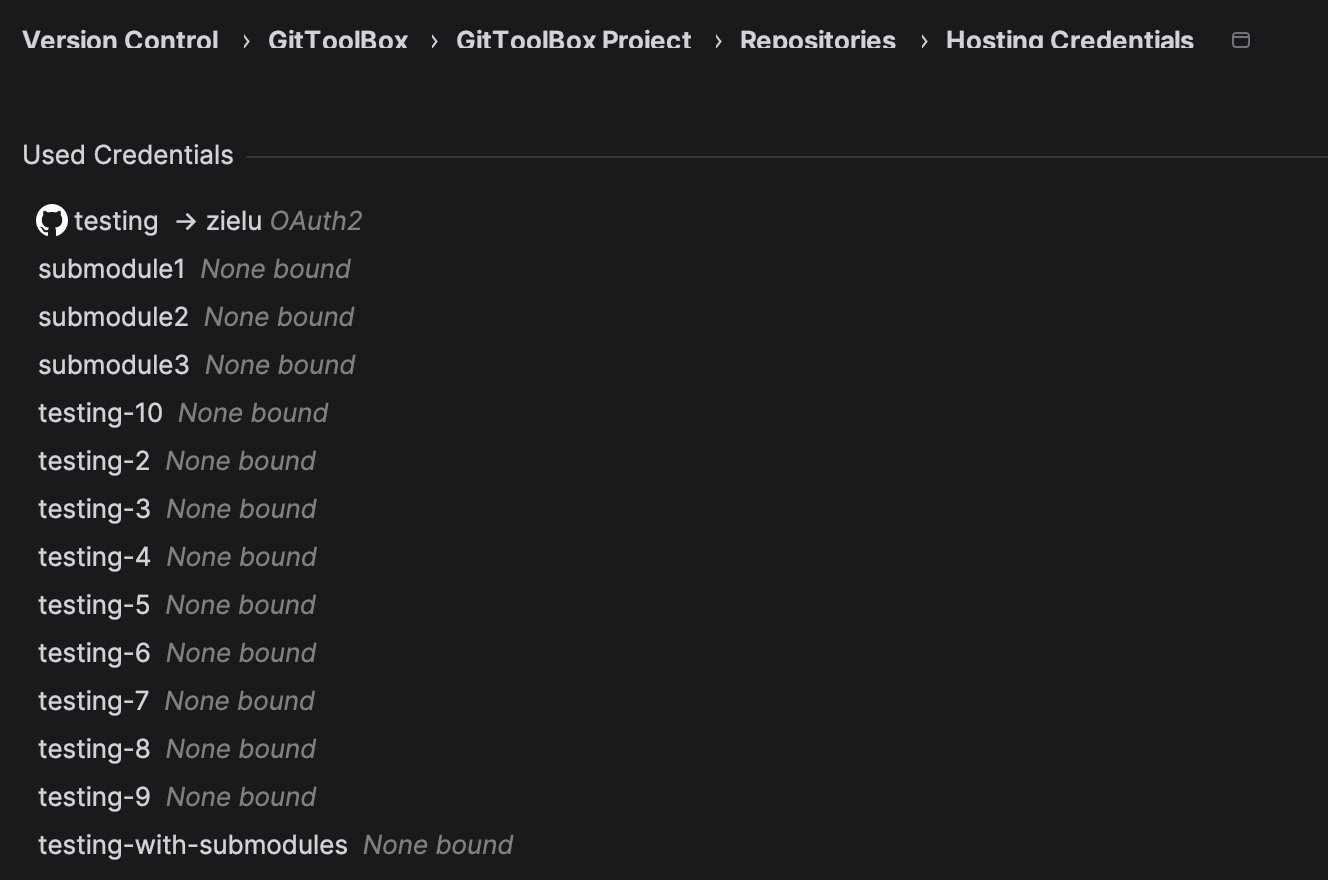
Global configuration applies to IDE, project configuration applies to a project only.
For most of the features to work repository roots must be correctly configured in:
Notifications shown by the plugin can be configured on Appearance & Behavior / Notifications IDE config page.
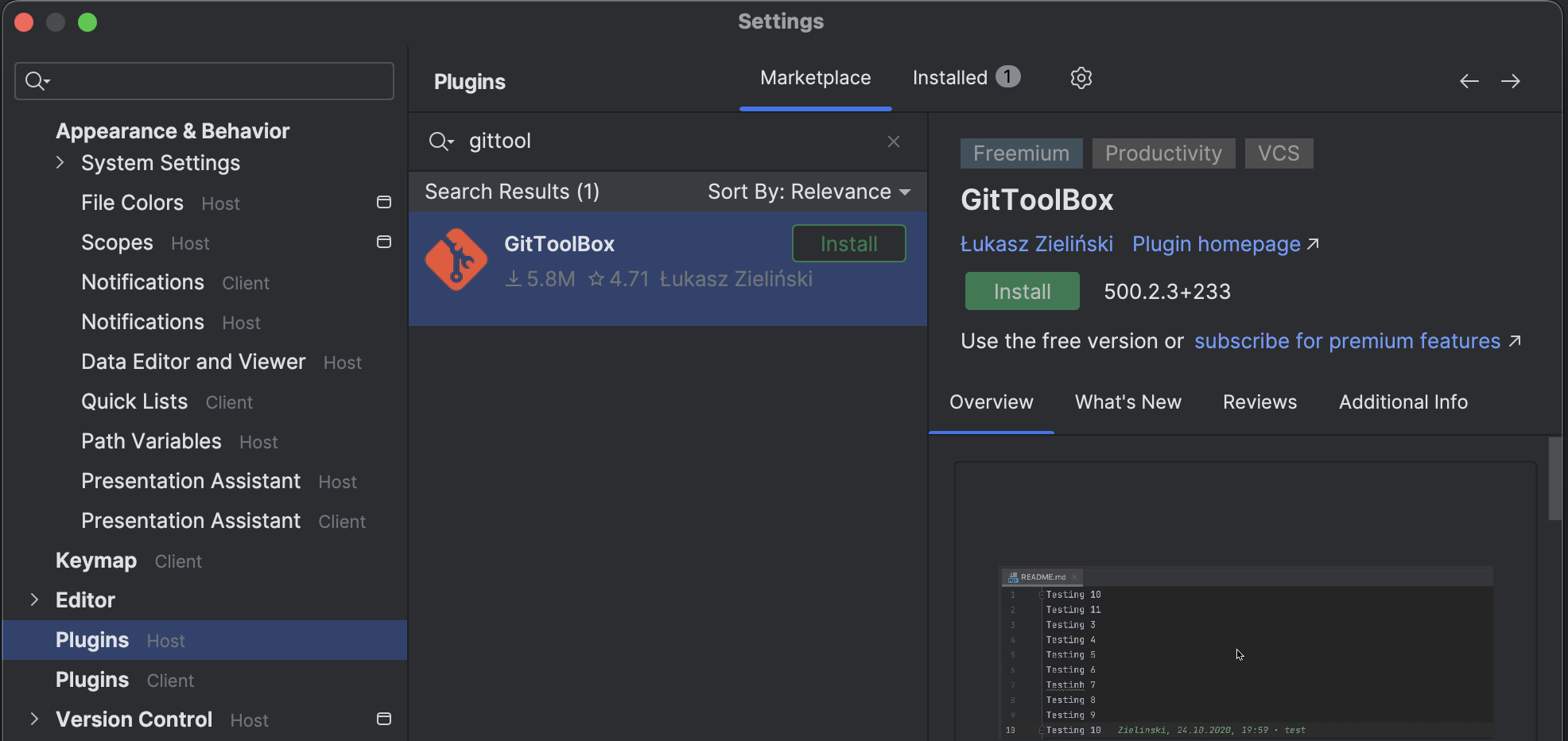
After connecting to the remote IDE plugin must be installed on host.
Current line blame is not available at this time due to lack of support by Gateway RDCT-400
Commonly raised questions and issues
This might be caused by missing configuration, see general configuration
Related to automatic fetch. First see if running Git / Fetch also shows the pop-up.
If is does either save login information or just disable automatic fetch for the project in GitToolbox Project settings.
Add https://plugins.jetbrains.com/plugins/eap/7499 in Preferences > Plugins > “Cog icon” > Manage Plugin repositories… to receive early access builds.
Author, date-time and subject blame parts can be styled separately.
This is configured in Settings... / Editor / Color Scheme / GitToolBox Colors
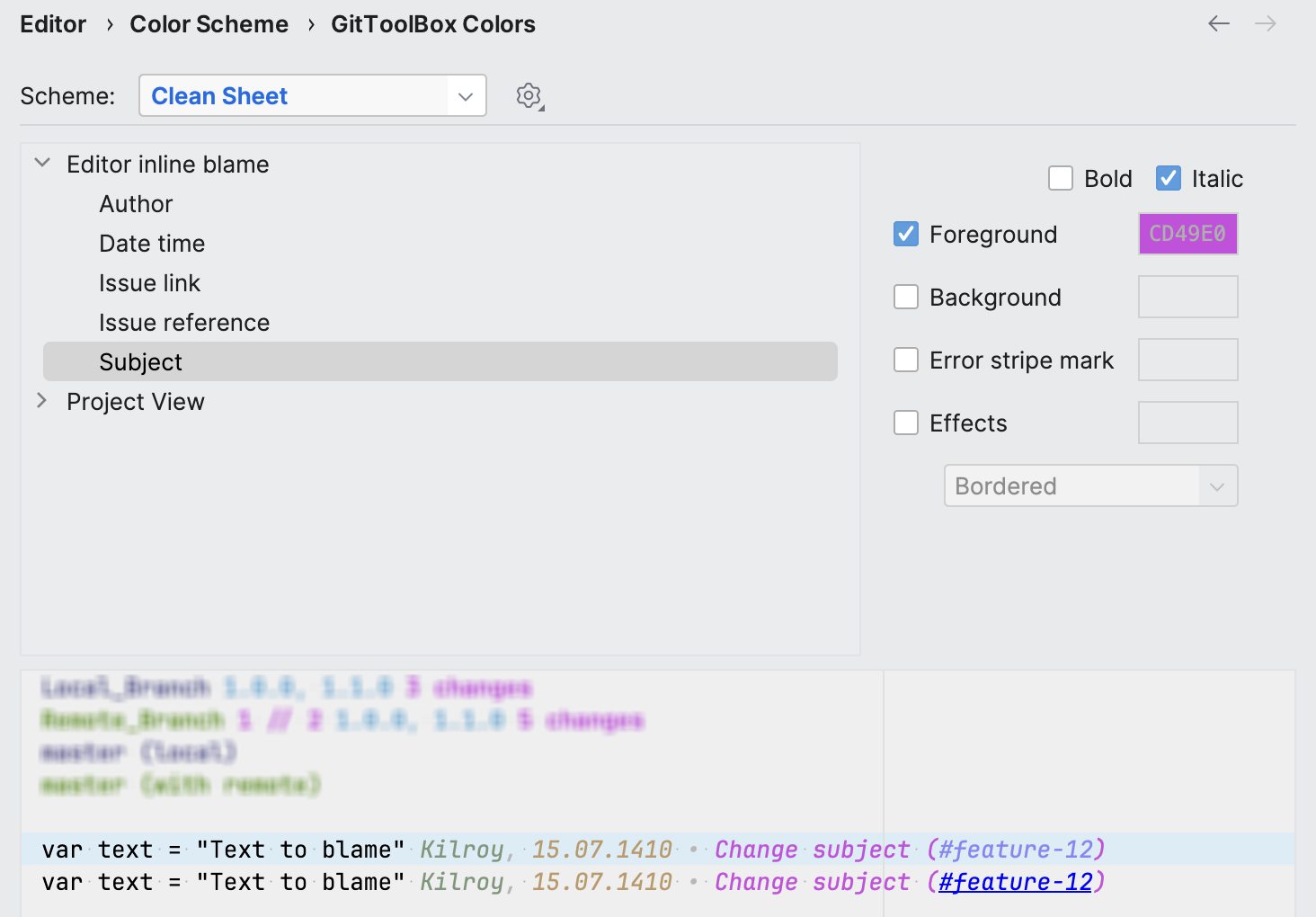
Before
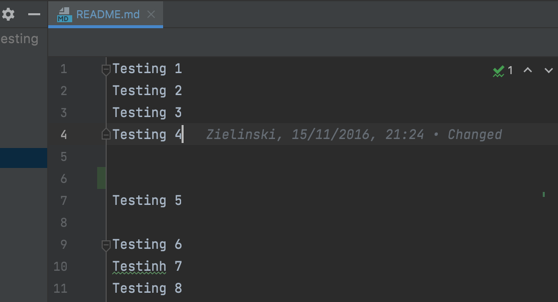
After
After branch is pushed for the first time notification is displayed with action which allows
opening pull request creation in browser.
Plugin is developed and delivered in freemium model.
License text is available in plugin configuration > About > License tab
All features available before 500.x.y version will stay free and receive fixes and occasional updates. Features marked as paid are available upon purchasing license using Jetbrains Marketplace.
Developer – the author of Plugin: Łukasz Zieliński.
JetBrains – JetBrains s.r.o. with its registered office at Na Hřebenech II 1718/10, Prague, 14000, Czech Republic, registered with the Commercial Register kept by the Municipal Court of Prague, Section C, file 86211, ID.Nr.: 265 02 275.
JetBrains Affiliate – the subsidiary and/or any associated companies of JetBrains.
JetBrains Marketplace – any platform operated by JetBrains or a JetBrains Affiliate on which JetBrains or a JetBrains Affiliate markets Plugins for JetBrains Products, including the website https://plugins.jetbrains.com and/or any other website or other platform, whether named JetBrains Marketplace, JetBrains Plugins Repository, or otherwise.
JetBrains Product – any software program or service made available by JetBrains.
Plugin – Plugin for JetBrains Product that Developer makes available under this EULA.
Plugin Information – the following information and materials:
a. JetBrains Marketplace Plugin title, tags / category, name(s) of Developer(s), product description, icon, logo or banner images, and any other information related to Plugin;
b. the metadata, graphics, artwork, images, trademarks, trade names, logos and other descriptive or identifying information and materials associated with Developer or appears in connection with Plugin; and
c. in the case of a cloud-hosted Plugin, an XML/JSON descriptor of Plugin.
Plugin Users – users that are able to access and use Plugin concurrently.
Website – the website available at the domain address: https://gittoolbox.lukasz-zielinski.com
You – an individual or an entity concluding this EULA.
Plugin does not collect nor send any private information. Network activity is feature-related only.
